

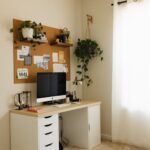


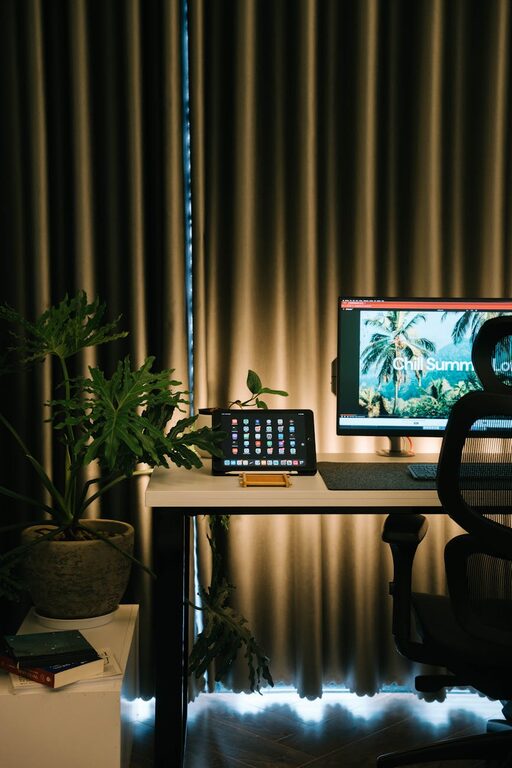
Creating a comfortable and relaxing home workspace is essential for maintaining productivity and focus when working remotely. A well-designed environment not only reduces stress but also encourages a clear mind and efficient work habits. In this post, we’ll explore practical tips to set up a workspace that promotes calm and boosts your productivity.
Choose the Right Location
Find a Quiet Spot
Select a space in your home with minimal noise and distractions. This could be a spare room, a corner of your living room, or even a section of your bedroom. The key is to choose a place where you can work undisturbed.
Consider Natural Light
Position your desk near a window if possible. Natural light helps improve mood, reduce eye strain, and increase alertness. Avoid glare on your computer screen by adjusting curtains or blinds.
Invest in Comfortable Furniture
Ergonomic Chair and Desk
Your chair and desk should support good posture to prevent fatigue and discomfort. An adjustable chair with lumbar support and a desk at the right height can make long work hours more comfortable.
Declutter Your Workspace
A clutter-free desk reduces distractions and promotes a peaceful environment. Only keep essential items within reach and use organizers or shelves to store everything else.
Personalize Your Space
Use Calming Colors
Colors like soft blues, greens, and neutrals create a relaxing atmosphere. Consider painting the walls or adding accessories in these shades to enhance tranquility.
Add Plants
Indoor plants not only improve air quality but also add a touch of nature that can boost your mood and concentration.
Display Inspiring Items
Keep a few personal touches nearby – a favorite photo, a small artwork, or a motivational quote – to uplift your spirits without overcrowding your space.
Manage Lighting and Sound
Layer Your Lighting
Use a combination of overhead lights, desk lamps, and natural light to adjust brightness throughout the day. Avoid harsh fluorescent lights which can cause eye strain.
Control Noise Levels
If silence is hard to find, consider noise-canceling headphones or play soft background music or white noise to mask distractions.
Organize Technology Efficiently
Cable Management
Keep cords tidy and out of the way using clips, sleeves, or cableboxes. This reduces visual clutter and prevents accidental unplugging.
Use Quality Equipment
Invest in a reliable computer, keyboard, and mouse. Comfortable technology makes working easier and smoother.
Establish Boundaries for Work and Relaxation
Set Specific Work Hours
Define when your workday starts and ends to maintain a healthy balance. It’s easier to relax in your home when you have clear boundaries.
Separate Workspace Physically and Mentally
If possible, avoid using your workspace for non-work activities. This separation helps your brain associate the space with focus and productivity.
Incorporate Regular Breaks and Movement
Schedule Short Breaks
Take brief pauses every hour to stretch, walk, or rest your eyes. These moments recharge your mind and prevent burnout.
Use a Standing Desk Option
Alternating between sitting and standing can improve circulation and reduce monotony in your workday.
Maintain Cleanliness Regularly
A tidy environment supports a clear mind. Regularly clean your desk, screens, and floor area to maintain a fresh and inviting workspace.
—
Creating a relaxing home workspace takes intentional effort but results in greater focus, reduced stress, and higher productivity. By combining comfort, organization, and personal touches, you can craft a space that meets your unique needs and helps you perform your best every day.


More Stories
Tips for Creating a Cozy and Productive Home Workspace
Tips for Creating a Cozy and Productive Home Office Space
Tips for Creating a Cozy and Inviting Home Office Space